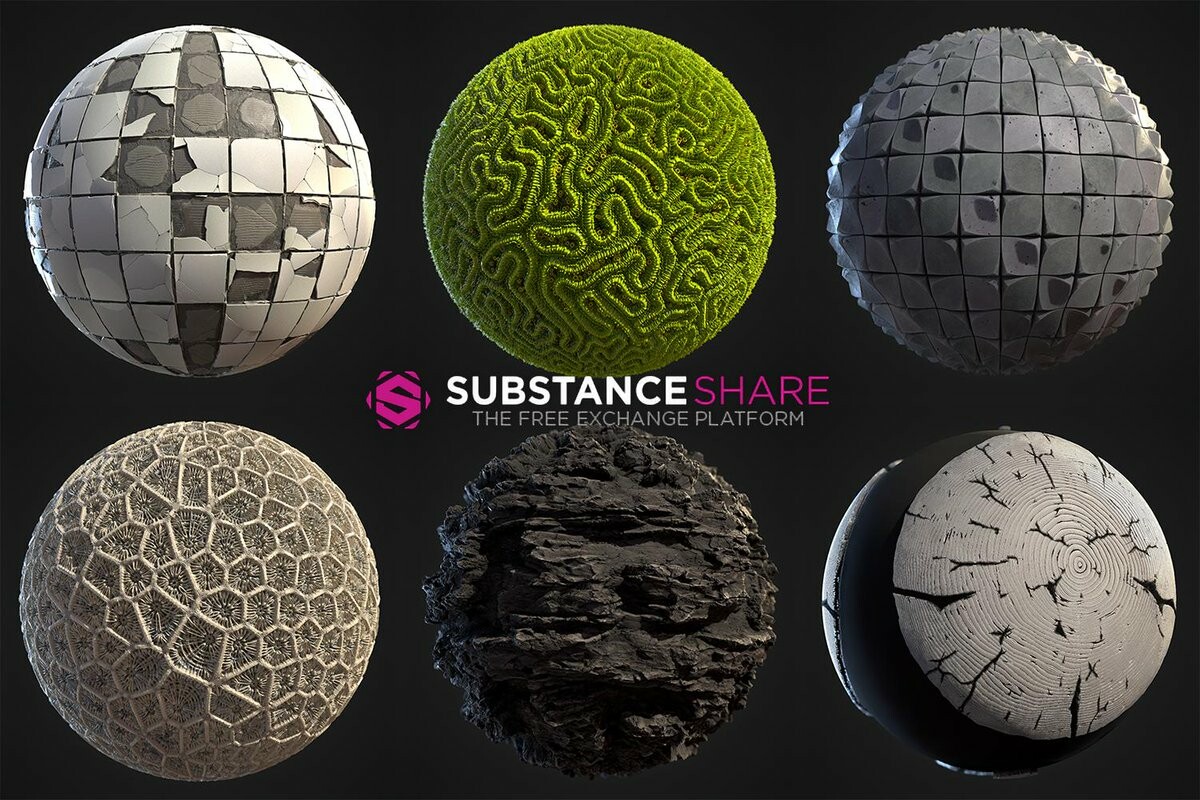
This is my interview for the Substance Magazine.
Hi Nikola, thanks for this interview! Could you introduce yourself to the community?
Hello! Well, you know my name, but what you may not know is that my art education actually started on an engineering university. I’ve transferred to interactive media before I finished it but that admiration towards technology always stayed with me. Even today, after 10+ years of very wide experience, I will gladly blur the border between an artist and tech-artist. Actually, in my vision of the future those are one and the same.
In the meantime, back on planet Earth - by day I am a lead game artist at Belgrade based mobile gaming studio called Nordeus and a procedural tinkerer by night. So far those two split personalities are collaborating very nicely because they learn and cross-pollinate each other a lot. Kind of a win-win situation... OK, not entirely, because I do lose some sleep :)
All of that puts me in the “3D generalist” basket, which for some reason can be thought of as inferior - to which I professionally disagree :) I even went as far as adapting the well known phrase - Jack of all trades, master of some! Not very humble of me though, but here we are.
You just finished your 100th material of the day with Substance Alchemist. How do you feel?
It’s a very strange feeling - similar to the aftertaste you have after watching the last episode of your favorite TV show. You invested a lot of time, developed relationships and then catharsis hits when you reach the end. There is this huge sense of accomplishment and growth mixed with urge to redo a lot of stuff, and then topped with an idea not to do another material anytime soon. Of course, that last one is not gonna happen.
Long story short - happy, proud and looking how to keep the momentum.
You might seem crazy to some of us. Can you explain why you decided to make one material per day for 100 days in a row?
Trust me, at moments I seemed crazy to myself! To be fair, there is some logical reasoning behind all that madness. I was one of the very lucky few to get my hands on Substance Alchemist early on. It was a blessing and a curse - sure, you get to play with super cool toys before everybody else but I tend to build pressure on myself to be a useful beta-tester. In order to match my own expectations I needed some sort of a goal - because just opening the tool and clicking around usually is not very beneficial. First couple of materials were just me getting to know the tool and I label them #MaterialOfTheDay only because it was very fast to make them (within a day), I didn’t have the marathon in mind at all.
Sometime around material #5, somebody from Allegorithmic actually joke-dared me to make bunch of them. We laughed at first, but after thinking about it - it actually made sense. It ticked all the right boxes for me. I would be stress-testing the tool with potentially increasing complexity and it will give me a long term self-improvement goal - I’m big on those! Shortly after, Baptiste Mnt came up with #MaterialMarathon and the stage was set.
After this experience, what can you say about Substance Alchemist?
Well, I can honestly say it’s a very unique tool with game-changing potential. Personally, I think it fits the Substance ecosystem very well. Sure, it has some overlap with both Painter and Designer but it actually complements them. One big part is definitely the library management, but for me, material blending is the selling point - it’s just so easy! Btw, blending feels like an understatement here - you can mix, extract, augment, tile, recolor, generate, weather, splatter, dirty it up or snow it down - to name a few. With the toolset growing every release nothing is stopping you take 100 materials from Substance Source and make whatever you need. But wait, there is more! Since this is substance - everything is procedural and extendable.
What hits you immediately is how fast you can go from a photo to a pretty decent material. Basically, you can get production materials with sketching speeds.
That being said, it is a young piece of software and there is definitely room for improvement on all fronts. Luckily, I have some insight into what is being worked on so I am completely not worried.
Substance Alchemist is still in beta development, but what are the main features you used during material creation?
That has to be the Creation tab - the part where you blend materials and work with filters. I’ve spend 98% of the time there. It just draws you in with it’s sandbox appeal and it’s very hard to leave. Since it is so easy to try things out you always want to do just one more step.
During the marathon, many people asked me if I think Substance Alchemist will replace Substance Designer - absolutely not! You still need a tool to make your base materials, for that part of the pipeline Designer is here to stay. On the other hand, once Substance Alchemist is mature enough, I don’t see a reason to use Designer to actually combine materials. Maybe if you need some very specific precision.
Ultimately - you have Substance Source as an excellent grocery store for your base materials, then Substance Designer as a garden to grow your own and Substance Alchemist to take all those ingredients and cook whatever you want. Since I’ve entangled myself into this cooking analogy - Substance Painter is then the restaurant where you serve it all? I don’t know, you tell me! :)
Tell us more about your creative process. How did you manage to find inspiration every day for new material?
Like every creative process - it was very random, or should I say procedural, wink wink.
Biggest milestone in every material were the first couple of layers or steps. That is where I define the major shapes and what that material would actually be. I did pinpoint couple of approaches that I usually converged to, in one way or another:
Taking a photo or finding something interesting online, then extracting map data.
Mixing Substance materials in expected and unexpected ways until some lucky accident happens and sparks an idea. Here I mostly relied on Substance Source materials but I did also use my own Substance materials or from other artists. Basically, whatever I could get my hands on.
Choosing some reference from the internet and try to recreate it.
Inspiration did come and go but I mitigated it by working in batches whenever I could. I didn’t specifically make a single material per day but rather made 4-5-6 of them at once, while I had them in me, and then just slowly released them into the wild.
Maybe the hardest thing was not to make any more stone/rock materials - those are unfair easy.
Could you dive deeper into a few materials and explain your process on them?
Absolutely, it will be my pleasure. Let’s go through four of them together because I feel like each of them have a somewhat unique approach.
Broken Dirty Tiles - using Alchemist to improve your own Substances
I’ve started off with my own Broken Tiles substance, completely made in Designer with exposed parameter to control the amount of broken tiles.
Then I used the “Pattern generator” filter, three times, to add color variation to the tiles.
Next step was to blend in the original Broken Tiles substance, but now with the broken parameter activated:
They were nicely broken but way too clean at this point. Three filters helped me - I’ve added Dust, Moss and Dirt, respectively - breaking up the roughness and adding slight color variation.
I was still missing some tertiary details so I’ve mixed a bricks substance to fill in the space where there were no tiles and added some bright and dark concrete to accentuate the edges and cavities.
In the end, all that was left to do, was to re-balance the height and add some more dust to blend in all the details a bit better.
Breakdown gif:
Burned Tree Stumps - from a photo to a material
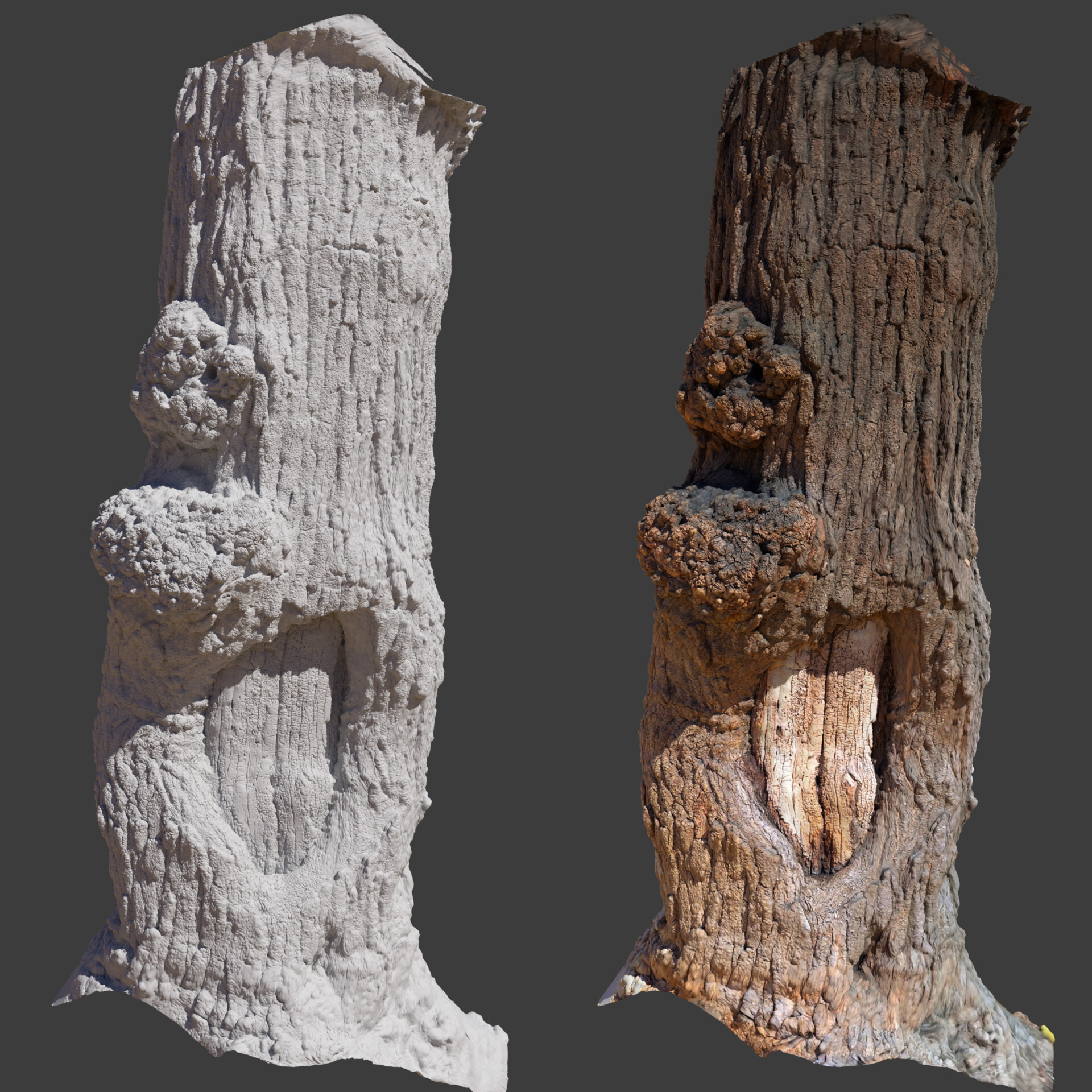
This material started from a photo I took on vacation and used Substance Alchemist Bitmap2Material filter to extract map data, then the Adjustment filter to re-adjust the height for large shapes.
Since I was aiming for a charred look, first I blended some dark Pounded Asphalt over the edges and in AO.
That helped with the surrounding areas but the actual stumps were still too clean. First I added dirt and the used the Stone Splatter filter - made the stones very flat, dark and rough so they look like charred wood.
To introduce some more color I made a Bitmap2Material from a burning charcoal I found online and blended it in.
Final touches were a bit more dust and an Adjustment layer to increase contrast, saturation and height.
Breakdown gif:
Monster Sashimi - mixing stuff from Source
During the marathon, I wanted to make some skin-type material. Since I didn’t have any of my own, I decided to try and mix something from the ones I could find on Substance Source.
This ostrich leather seamed like a good place to start but I mixed in some black and red leather to change colors and get some diagonal folds.
It was looking too much like leather so I added some skin-like details using frog and zombie skin substances. Mostly in the cavities.
At this point I was still missing some animal elements. That was fixed by blending in some zebra patterns and more zombie skin to add more skin color.
Final step was one of those happy accidents. I was trying to blend in various materials - searching for inspiration as I was not feeling the material being complete yet. While experimenting I blended in the cavity parts of a rope substance which looked like slashes in the flesh. I really like that so I adjusted the color, roughness, saturation, contrast and called this one done.
Breakdown gif:
Ammonite fossil - building individual elements first
This material had a different approach as I completely knew what I wanted from the start.
First I’ve built individual elements from online photos.
Each photo was cleaned up and made into a separate Bitmap2Material, each with its own tweaks to map channels (opacity, normal, height, ao, roughness).
Now that I had the major building blocks, it was time to make the base layer. Which I did - from flint, gravel and color adjustments.
Then I blended in a material I made from all of the fossils together, in smaller scale, and coated it in thick layer of dust.
After that, each of those three fossils was splattered individually to build up the major shapes.
All that was left to do is add another, but subtler, layer of dust and a bright dirt layer.
Breakdown gif:
How did you see the Substance Alchemist beta evolve over the months?
With steady pace and high ambition! ;)
Stream of updates was constant and relevant. It’s nice to be in a daily chat with the developers, that way I can beg and bore for things I need, and they do deliver! If you ask me - that is how software should be developed - with ongoing customer feedback and iteration.
There were times I thought you have bugged my house because every time I slightly loose motivation - there it is - a new version with more toys for me to play with. Thank you for that!
So the next step naturally is 200 materials a day, right?
Heh :) well I hope for even more than that, eventually. For now, I am focusing on some different long and short-term projects.
One of them is #WednesdayShareday - which is more community oriented. Plan is to give away something useful (almost) every Wednesday. Since my workflow is heavily based on Substance tools, people should usually expect things which are related.
Don’t worry, I’ll be back on materials soon enough and I hope to see a completely new Substance Alchemist again.
Video montage of all materials:
https://vimeo.com/314919698
Breakdowns for all materials:
1-10 // https://vimeo.com/294454621
11-20 // https://vimeo.com/295787356
21-30 // https://vimeo.com/297823775
31-40 // https://vimeo.com/299666680
41-50 // https://vimeo.com/301573518
51-60 // https://vimeo.com/303510659
61-70 // https://vimeo.com/305608511
71-80 // https://vimeo.com/308388472
81-90 // https://vimeo.com/314918754
91-100 // https://vimeo.com/314919493